Window Treatments and Motorized Blinds in Plano, TX
Smart Shades, Simply Done.
Plano homeowners ask us for motorized and smart-home shades more than almost anywhere, and we make the tech side simple. Custom blinds, shutters, and app-controlled shades, measured and installed by our own team.
Talk With Window Experts
Motorized & Custom Window Treatments in Plano
A Smart-Home-Friendly Suburb
Plano is one of our most motorized-forward markets. A lot of homes here already run some smart-home tech, so adding motorized shades that work with Alexa or Google Home feels like a natural next step rather than a novelty.
We handle the part that intimidates people: getting the motors, tracks, and controls set up so they just work. You get one-touch and scheduled control without a tangle of apps to figure out. For the rooms that don't need motorizing, we fit clean custom blinds and roller shades to match. Plano's mix of established neighborhoods and newer Legacy-area homes means we see everything from full smart-home shade packages to a single tricky stairwell window.
Everything is measured and installed by our team, with a written quote after the visit. See the full lineup or call (214) 934-2479 to book a consultation in Plano.
From Smart Shades to Custom Shutters
What We Install in Plano
Motorized & Smart Blinds
Our most-requested Plano service. Motorized shades controlled by remote, app, or voice, with schedules that follow the sun. We handle the full setup so it just works.
Custom Blinds
For rooms that don't need motorization, faux wood blinds provide a clean, durable fit in Plano kitchens, baths, and family rooms.
Roller Shades
Light filtering for bright living spaces or room darkening for bedrooms and media rooms, both available motorized for a fully smart-home setup.
Plantation Shutters
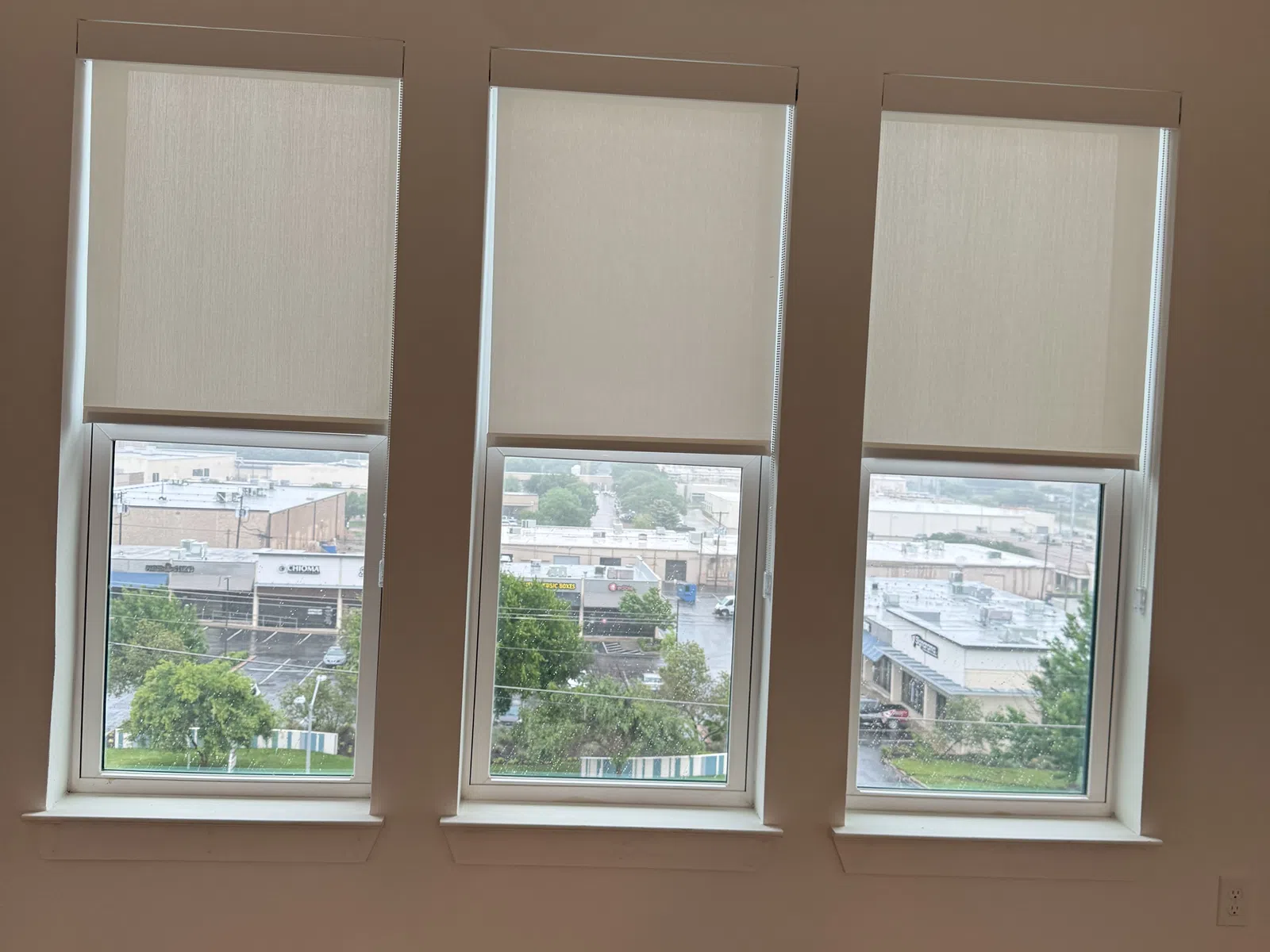
Motorized Blinds and Shades for Plano Smart Homes
The Smart-Home Angle
Motorized shades in Plano usually come down to three choices, and we walk through all three at the measure so you're not guessing.
On control, our motorized treatments work with handheld remotes, phone apps, and voice assistants like Alexa and Google Home, and they can run on schedules, open with the morning, and close against the afternoon sun automatically. On power, you can choose rechargeable battery motors (no wiring, clean install) or hardwired options for a permanent setup. On rooms, motorization pays off most on tall windows, wide spans, and anything behind furniture that's awkward to reach by hand.
Not every window needs a motor, and we'll tell you which ones don't, part of keeping the project sensible. For the mix of motorized and manual most Plano homes land on, financing keeps a whole-home package comfortable.
Our Window Treatment Services in Plano
Options & Details
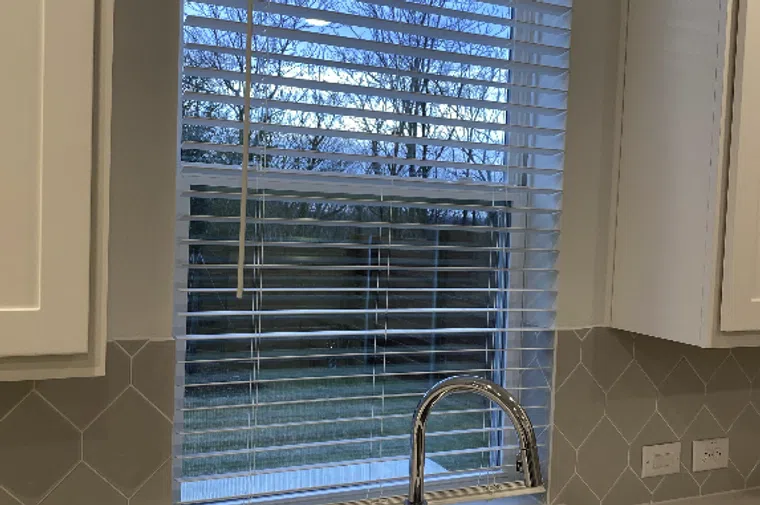
2″ Cordless Faux Wood Blinds
Durable, easy to clean, and built for harsh Texas sun. The go-to choice for kitchens, baths, and busy family rooms with special per-window pricing.
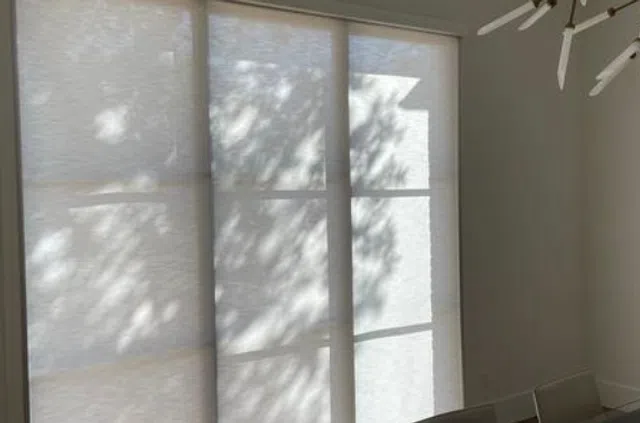
Light Filtering Roller Shades
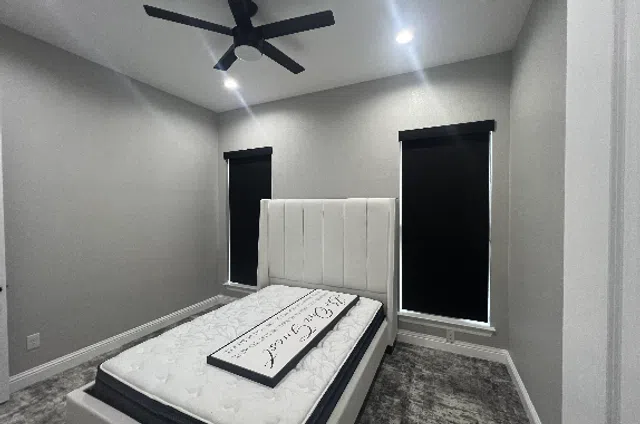
Room Darkening Roller Shades
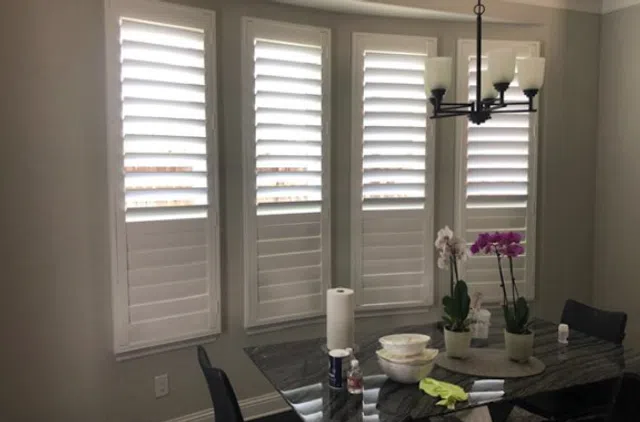
Plantation Shutters
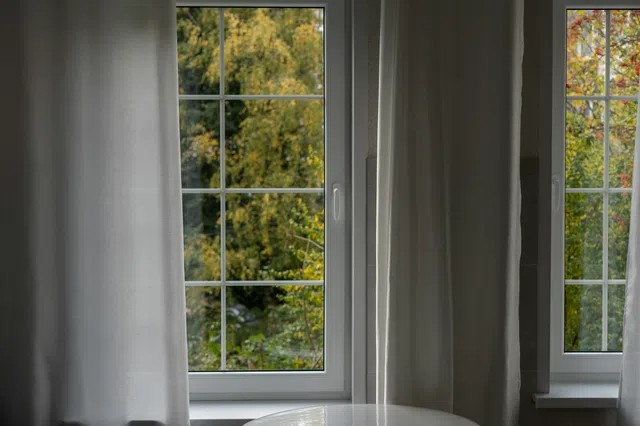
Draperies

Motorized Draperies
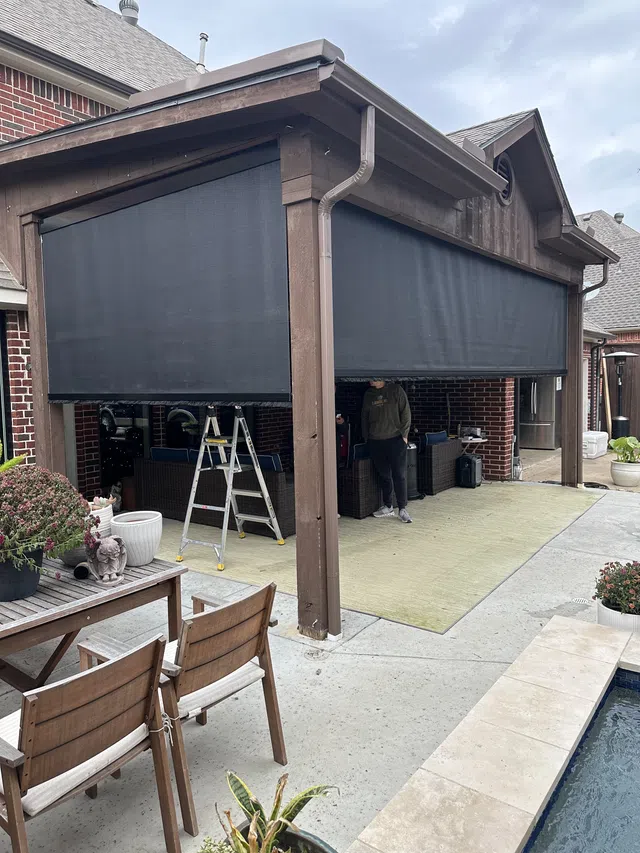
Exterior Patio Shades
We're With You Every Step of the Way
Our Process
One point of contact handles your estimate, your schedule, and the crew on install day, so nothing gets lost between people.

Initial Consultation
We start with a free phone consultation where we learn more about your windows, your style, and your budget.

At-Home Consultation
We come to you, take exact measurements, and help you find the perfect solution for every room.

Professional Installation
Our team installs your new treatments and makes sure every detail is set up perfectly before we leave.

The Tech Handled, the Fit Guaranteed
Why Plano Homeowners Choose Us
People call us for motorized shades in Plano because we take the complexity off their plate. We spec the right motor and control setup, install it, connect it, and make sure it runs before we leave; you don't end up with a box of parts and a manual. We're licensed and insured, and quotes are written after the in-home measure, never guessed over the phone.
Because motorized shades are a bigger investment than manual ones, the question we get most is how they hold up. The honest answer: the motor is the part people worry about and the part that gives the least trouble. Battery motors run months between charges depending on use, and recharging is a simple plug-in; hardwired setups never need it. The fabrics and mechanisms are the same quality as our manual shades. We'll walk through the warranty in writing before you commit. Call (214) 934-2479 or book a consultation.
Neighborhoods We Serve in Plano
Where We Work
We install across Plano. These are areas we're in often, with the window work that each commonly calls for.
Plano Window Treatment FAQs
Good to Know
How much do motorized blinds cost in Plano?
Do your motorized shades work with Alexa and Google Home?
Yes. Our motorized shades integrate with Alexa and Google Home, so you can control them by voice or fold them into existing routines, alongside remote and app control.
Are motorized blinds battery-powered or hardwired in Plano homes?
Both options are available. Rechargeable battery motors install cleanly with no wiring, the common choice for existing homes, while hardwired power suits new construction or a permanent, never-charge setup.
Which rooms benefit most from motorized shades?
Tall windows, wide spans, two-story rooms, and any window behind furniture that's awkward to reach. We'll point out which of your windows genuinely benefit and which are fine with manual operation.
Do you install regular (non-motorized) blinds in Plano too?
Absolutely. Plenty of Plano rooms are best with standard custom blinds or manual roller shades. We fit whatever mix makes sense for your home and budget.
How long does a motorized shade installation take?
Most in-home installs are completed in a single visit. We set up the motors and controls, connect them to your app or voice assistant, and confirm everything runs before we leave.